
This programming guide provides detailed instructions for configuring the Paradox MG5000 wireless transmitter/receiver controller, including zone…
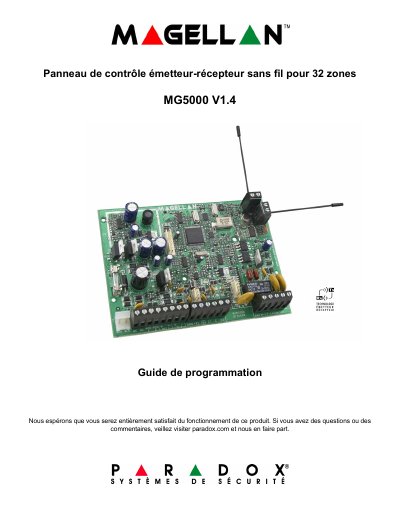
The Paradox MG5000 Programming Guide covers the configuration of the wireless transmitter/receiver control panel for up to 32 zones. It is intended for installers and provides step-by-step procedures for zone assignment, delay settings, time and date setup, walk test mode, WinLoad software integration, monitoring phone numbers, communicator setup, communication cancellation, and programmable output (PGM) programming.
The guide also includes sections on wireless repeater (MG-RPT1) and wireless keypad (MG32LRF) programming, user code management, system timers, partition settings, transmission parameters, and hardware connection diagrams. Appendices provide Ademco reporting codes, automatic reporting code lists, and data entry methods. This manual is written in French.
| Maximum zones | 32 |
|---|---|
| PGM outputs (MG32LRF/MG32LED) | 16 |
| PGM outputs (MG10LEDV/H) | 10 |
| Wireless repeater support | MG-RPT1 |
| Wireless keypad support | MG32LRF |
| Default installer code | 0000 / 000000 |
| Default maintenance code | 1111 / 111111 |
| Default master code | 1234 / 123456 |
The default installer code is 0000 or 000000.
The MG5000 supports up to 32 zones.
Press the [] key followed by the installer code.
The default maintenance code is 1111 or 111111.