
This document is about the programming guide for All-In-One Wireless Security System V1.3. It provides information about the default values for installer code, maintenance code, and master code, as well as methods to enter programming mode and other programming options.
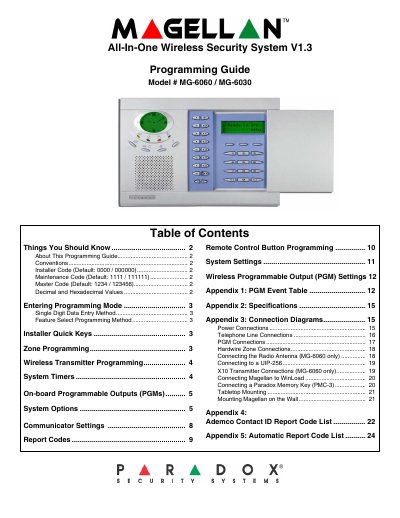
This document serves as a programming guide for the Paradox Magellan All-In-One Wireless Security System, specifically models MG-6060 and MG-6030. It provides instructions on entering programming mode using Installer, Maintenance, or Master codes and details the Single Digit Data Entry and Feature Select Programming methods. The guide covers configuring zones, wireless transmitters, system timers, and programmable outputs.
| Installer Code Length | 4 or 6 digits |
|---|---|
| Maintenance Code Length | 4 or 6 digits |
| Master Code Length | 4 or 6 digits |
| Default Installer Code | 0000 / 000000 |
| Default Maintenance Code | 1111 / 111111 |
| Default Master Code | 1234 / 123456 |
| Entry Delay 1 Default | 045 secs. |
| Entry Delay 2 Default | 045 secs. |
| Exit Delay Default | 060 secs. |
| Bell Cut-off Time Default | 004 mins. |
| Number of Rings Default | 008 rings |
The default Installer Code is 0000 for 4 digits or 000000 for 6 digits.
The default Maintenance Code is 1111 for 4 digits or 111111 for 6 digits.
The default Master Code is 1234 for 4 digits or 123456 for 6 digits.
Press and hold the [0] key, enter the Installer or Maintenance Code, then enter the 3-digit Section number.