
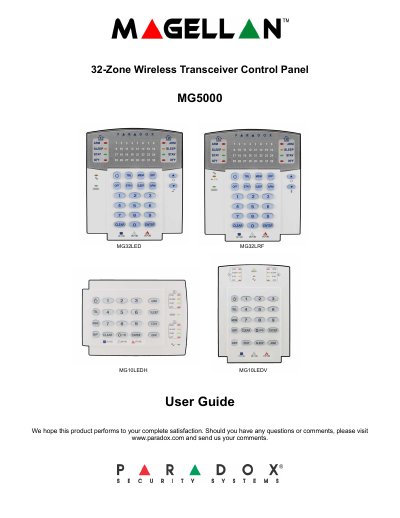
Paradox MG5000 32-Zone Wireless Transceiver Control Panel User Guide

MG5000 User Guide


Paradox MG5000 32-Zone Wireless Transceiver Control Panel User Guide - cover page
Brand
PARA Dox
Category
Security Software
Document type
User Manual
Language
English
Pages
20
File format
PDF
File size
280 KB
Published
20 October, 2023
Updated
20 October, 2023
Model
MG5000
MD5 checksum
6C4A333052D73B9B369D196E09BCA017

About this manual

This manual provides instructions for the Paradox MG5000, a 32-Zone Wireless Transceiver Control Panel designed for the Magellan Security System. It details how to configure user settings, manage access codes, and utilize system features like partitioning and StayD mode.

What's inside

  • User Settings
  • Master Quick Menus
  • Overview
  • Basic Operations
  • StayD Mode
  • Access Codes
  • Arming & Disarming
  • System Features
  • Advanced Features
  • Testing & Maintenance

Specifications

Zone Capacity32-Zone

Frequently asked questions

What is the default partition assignment for User 1?

By default, User 1 has access to both partitions.

How do you erase all lost remote controls?

Press and hold the [SLEEP] key for 3 seconds after selecting the erase option.

What does a continuous beep tone indicate?

A continuous beep tone indicates an alarm or that an operation was incorrectly entered.

Download PDF (280 KB)

More PARA Dox Manuals


View all PARA Dox manuals →