
This document is the reference and installation manual for the 32-Zone Wireless Transceiver Control Panel MG5000 V1.4, which describes the features and characteristics of the product.
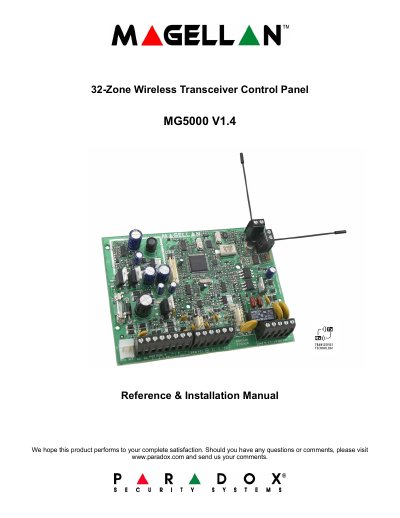
The document serves as a comprehensive guide for installing and operating the Paradox MG5000 control panel. It details hardware requirements such as AC power transformers (16Vac) and backup batteries (12Vdc), along with specific mounting guidelines to ensure proper ventilation and signal reception.
The manual covers extensive programming procedures using WinLoad software, keypad entry, or memory keys. Key topics include configuring zones (including ATZ and wireless inputs), setting up reporting formats for central stations, managing alarm options like bell cut-off timers, and utilizing advanced features such as sleep arming and RF jamming supervision.
| Zones | 32 zones (any of which can be wireless or keypad zones) |
|---|---|
| PGM Outputs | 16 PGMs |
| Backup Battery | 12Vdc, 4Ah/7Ah |
| Auxiliary Power | +600mA typical, 700mA maximum |
The default Installer Code is 0000 or 000000.
A 12Vdc / 7Ah battery is required to comply with UL fire requirements.