
The Panasonic KV-S1026C/KV-S1015C document scanner user manual provides setup, operation, and maintenance instructions.
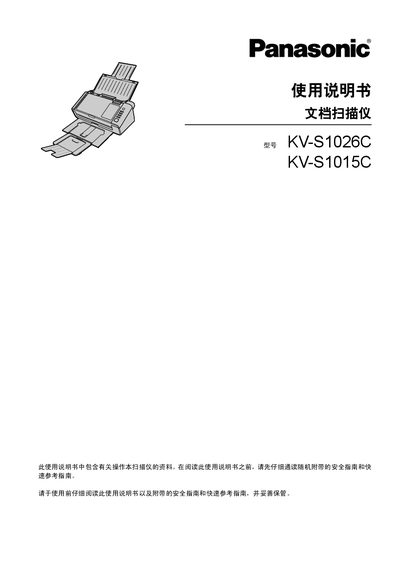
This manual covers everything needed to install and operate the Panasonic KV‑S1026C and KV‑S1015C document scanners. It includes safety guidelines, hardware installation steps, software installation, scanning procedures, and routine maintenance.
Technical specifications, part numbers for consumables, and troubleshooting tips are also provided, helping users keep the scanner running efficiently and safely. This manual is written in Chinese.
| Scanning speed (single‑sided A4) | 30 pages/min |
|---|---|
| Scanning speed (double‑sided A4) | 60 pages/min |
| Resolution | 100‑600 dpi (optical 300/600 dpi) |
| Power supply | AC100‑240 V, 50/60 Hz |
| Power consumption (scanning) | 17 W |
| Input tray capacity | 50 sheets (80 g/m²) |
| Dimensions (W×D×H) | 303 × 177 × 137 mm |
| Weight | 2.7 kg |
The scanner can process single‑sided A4 paper at 30 pages per minute.
It uses an AC 100‑240 V, 50/60 Hz external power adapter and consumes about 17 W while scanning.
The input tray can hold up to 50 sheets of 80 g/m² paper.