
The Panasonic KX-NS1000CN Group Telephone User Manual provides safety guidelines, call handling, messaging, network and system configuration instructions.
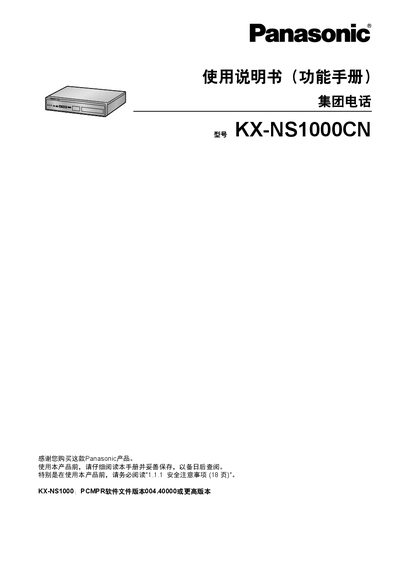
This manual serves as the functional reference for the Panasonic KX-NS1000CN group telephone system. It covers safety precautions, call processing features, unified messaging, network connectivity, and detailed system configuration and management procedures for administrators and end‑users.
The document also lists compatible handsets and peripheral devices, explains optional hardware and software functions, and provides appendices with resource capacities, tone charts, and revision history. Audio file specifications for background music and instructions for uploading custom files are included. This manual is written in Chinese.
| PCMPR software file version | 004.40000 or higher |
|---|---|
| Audio file format | WAV |
| Maximum audio file size | 80 MB |
| Maximum audio length | 8 minutes |
The manual advises reading section 1.1.1 Safety Precautions (page 18) before operating the product.
Compatible devices include digital and analog group telephones (DPT, APT), DSS consoles, T1‑OPX, VPS, various trunk lines (T1/E1, DID, E&M, CLCOT, ELCOT), and specific series such as KX‑DT543, KX‑DT546.
Upload the audio file via the web maintenance console; the file must be WAV format, no larger than 80 MB, and no longer than 8 minutes.
Refer to the PC Programming Manual’s FAQ section titled “How do I confirm the software version of the PBX or installed cards?”.