
Oracle Linux 7.6 and Oracle 19C Database Installation Guide

A guide for graphically installing Oracle Linux 7.6, configuring the OS, and installing and configuring Oracle 19C Database.
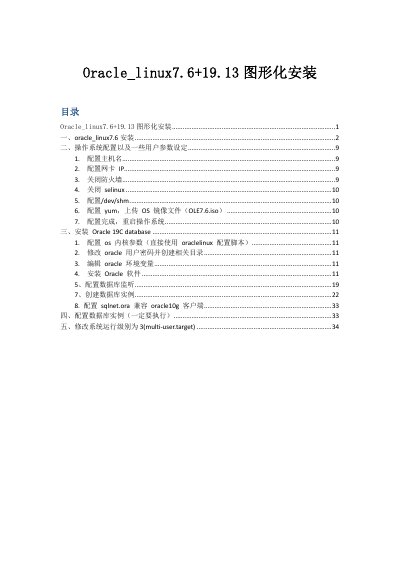

Oracle Linux 7.6 and Oracle 19C Database Installation Guide - cover page
Brand
Oracle
Document type
User Manual
Language
Chinese
Pages
34
File format
PDF
File size
4.5 MB
Published
12 October, 2026
Updated
12 October, 2026
MD5 checksum
95A60CEC3C68AE4A35C6E02F5BD3BB98

About this manual

This document provides step-by-step instructions for performing a graphical installation of Oracle Linux 7.6. It covers partitioning, setting the root password, and initial system setup including hostname and network configuration. It also details how to disable the firewall and SELinux, and configure the YUM repository for offline installation. This manual is written in Chinese.

What's inside

  • Oracle Linux 7.6 Installation
  • Operating System Configuration
  • Hostname and Network Setup
  • Firewall and SELinux Configuration
  • YUM Repository Configuration
  • Oracle 19C Database Installation
  • Database Listener Configuration
  • Database Instance Creation
  • System Runlevel Modification

Frequently asked questions

Which software selection should be chosen for a GUI installation?

Select 'SERVER WITH GUI' in the software selection step.

How to disable the firewall after installation?

Execute the commands 'systemctl stop firewalld' and 'systemctl disable firewalld'.

How to configure the /dev/shm directory size?

Edit /etc/fstab to add 'tmpfs /dev/shm tmpfs defaults,size= 物理内存 ( 取整 ) 0 0'.

Download PDF (4.5 MB)

More Oracle Manuals


View all Oracle manuals →