
Oracle VM Manager 2.2 installation document, introducing the installation process of Oracle VM Manager, including hardware requirements, software requirements, installation process, installation log, creating shared storage, etc.
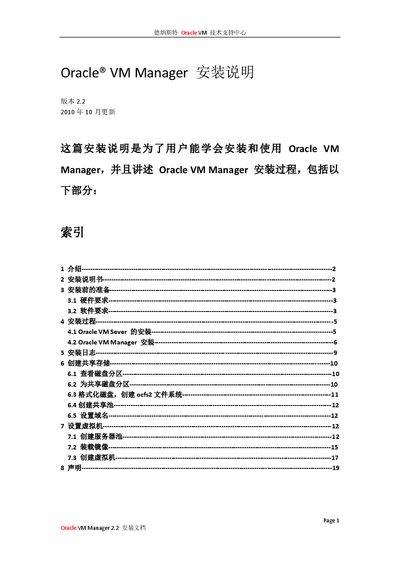
This guide explains how to install Oracle VM Manager 2.2, covering prerequisites, required hardware and software, and the installation process for both Oracle VM Server and the Manager itself. It also details configuration of ports, database setup, and post‑installation tasks such as creating virtual machines.
The document includes hardware requirements, supported operating systems and browsers, disk‑partitioning steps, and instructions for configuring SSL and admin credentials. It ends with troubleshooting tips and a summary of the installation logs. This manual is written in Chinese.
| Minimum Memory | 2 GB |
|---|---|
| Processor Speed | 1.83 GHz |
| Swap Space | 2 GB |
| Hard Disk Space | 4 GB |
| Supported OS – Oracle Linux | Oracle Enterprise Linux 4 Update 5 or later |
| Supported OS – Red Hat | Red Hat Enterprise Linux Release 4 or later |
| Supported Browsers | IE 5.5‑7.0, Firefox 1.0.4‑2.0, Safari 2.x, Netscape 7.2 |
The minimum hardware requirements are 2 GB of memory, a 1.83 GHz processor, 2 GB of swap space, and 4 GB of hard‑disk space.
Supported operating systems are Oracle Enterprise Linux 4 Update 5 or later and Red Hat Enterprise Linux Release 4 or later.
Oracle VM Manager supports Microsoft Internet Explorer 5.5‑7.0, Mozilla Firefox 1.0.4‑2.0, Safari 2.x (Mac), and Netscape 7.2.