
This user manual covers the operation, installation, calibration, settings, and maintenance of the Ohaus Explorer Pro industrial balance.
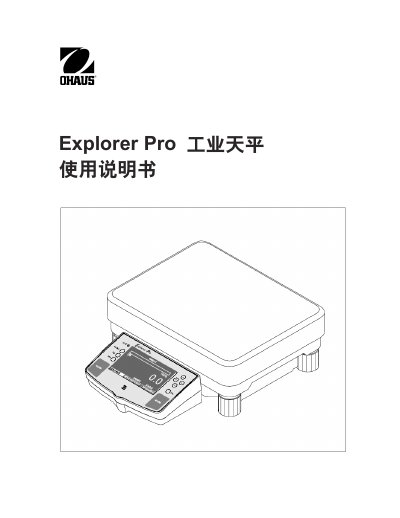
The Ohaus Explorer Pro is an industrial balance designed for a wide range of weighing applications. This manual provides comprehensive instructions on operating the device, including navigating the main menu, performing various types of weighing (such as counting, density, and animal weighing), and utilizing advanced features like recipes and statistics.
The guide also details the installation process, from unpacking to leveling and power connection. It includes specific procedures for calibration methods such as AutoCal, full-scale, linear, and user calibration. Additionally, it covers system settings, interface configurations, printing options, and essential maintenance tasks including troubleshooting and part replacement.
The Explorer Pro is an industrial balance designed for weighing applications.
Use the leveling feet to adjust the balance to a horizontal position.
The horizontal indicator shows the horizontal position of the balance.