
Quick start guide for the NXP i.MX 8ULP EVK9 evaluation kit, covering setup, boot, switches, and features.
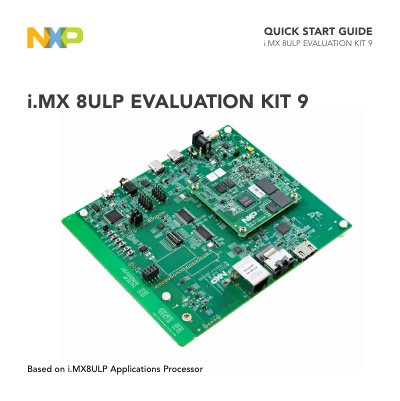
The NXP i.MX 8ULP Evaluation Kit 9 (EVK9) introduces developers to the i.MX 8ULP applications processor. It is designed as a System-On-Module board that connects to an associated baseboard and supports HDMI output with reconfiguration for MIPI displays.
The kit includes the SOM board, base board, documentation, power supply, and USB cables. The guide covers unpacking, software download, system setup, Linux boot, DIP switch configuration, and button functions.
| Processor | i.MX 8ULP applications processor with dual 800 MHz Arm Cortex-A35 core and 216 MHz Arm Cortex-M33 core |
|---|---|
| DRAM | 2 GB LPDDR4, up to 533 MHz |
| RTD Octal SPI Nor flash | 32 MB |
| APD Octal SPI Nor flash | 64 MB |
| RTD Octal SPI pSRAM | 8 MB |
| eMMC | 32 GB |
| Ethernet | 10/100M RJ45 connector |
| Power supply | 5 V/5 A, 2.1 mm x 5.5 mm plug |
| Debug UART baud rate | 115200 |
| Default boot mode | Single Boot-eMMC |
The kit includes the SOM board, base board, documentation, quick start guide, a 5 V/5 A power supply, and USB cables.
Connect the micro-B end of the supplied USB cable to debug port J17 on the base board and the other end to the host PC.
Set SW5 on the base board to 1000_0000, then power on the EVK board.
The account name is root and the password is none.