
This manual provides instructions for configuring and using NVIDIA nForce SATA RAID features on nForce4-4X, nForce3 250/Ultra, and nForce2 MCP RAID chipsets.
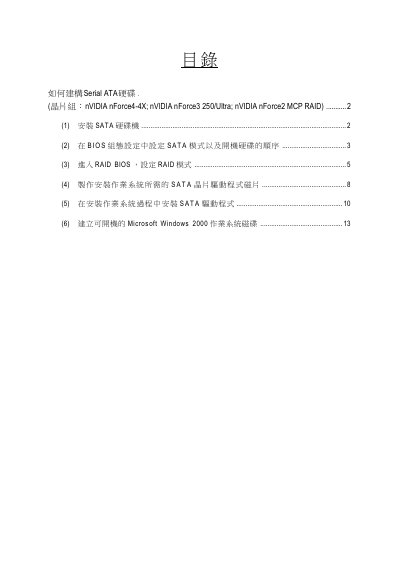
This document serves as a user guide for the NVIDIA nForce SATA RAID functionality supported by specific motherboard chipsets. It details how to configure Serial ATA (SATA) RAID arrays within the BIOS environment before installing an operating system.
The manual covers setting up RAID modes such as Mirroring, Striping, and Spanning using the embedded RAID BIOS utility. It also provides step-by-step instructions for installing Microsoft Windows 2000 or XP, including how to load the necessary third-party SATA drivers during the installation process. This manual is written in Chinese.
This manual covers the nForce4-4X, nForce3 250/Ultra, and nForce2 MCP RAID chipsets.
The supported RAID modes include Mirroring, Striping, Stripe Mirroring, and Spanning.
Press the