
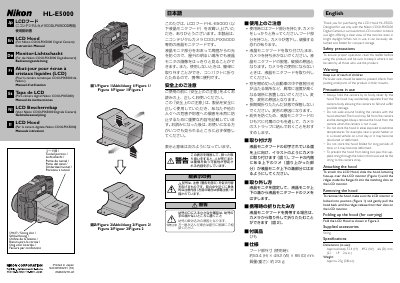
The HL‑E5000 LCD hood is a light‑blocking accessory made for the Nikon COOLPIX5000 digital camera. It fits over the LCD monitor, allowing clear viewing even in bright daylight. When not needed, the hood can be detached and folded for compact storage.
The manual provides safety warnings, step‑by‑step instructions for fitting and removing the hood, folding instructions for transport, and technical specifications such as dimensions and weight.
| Weight | 23 g |
|---|
Slide the hood, lettering face‑up, over the LCD monitor until the ridges inside the flanges fit into the matching slots.
Make sure the LCD monitor is locked, then gently pull the hood back until the ridges release from the slots.
It weighs about 23 grams.