
Installation and setup guide for the NETGEAR N600 Series Dual-Band Wireless Router WNDR3400, covering connection, login, internet configuration, wireless…
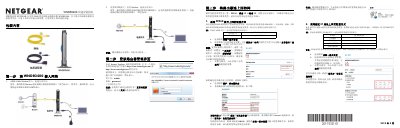
This manual provides step-by-step instructions for installing and configuring the NETGEAR WNDR3400 router. It covers unpacking the device, connecting it to a modem or broadband line, accessing the management interface via a web browser, and setting up internet connections using PPPoE, static IP, or dynamic IP methods. This manual is written in Chinese.
The default username is admin and the password is password (all lowercase).
Press and hold the reset button for 15 seconds while the power is on until the power light turns green.
A steady green light on the Internet port indicates that the router has successfully obtained an IP address and DNS server.