
User manual for the NETGEAR WN3000RPv3 N300 Wi-Fi Range Extender, covering setup, configuration, network settings, maintenance, and troubleshooting.
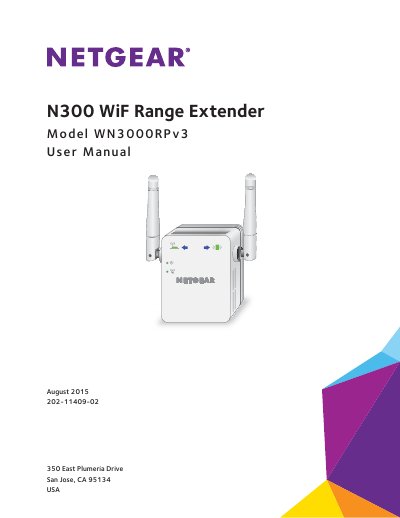
This manual provides instructions for the NETGEAR WN3000RPv3 N300 Wi-Fi Range Extender. It explains how to use the device in Extender Mode to boost an existing network or in Access Point Mode to create a new hotspot. The guide details the physical components, including LEDs and buttons, and walks users through initial setup using WPS or a web browser.
| Product Type | WiFi Range Extender |
|---|---|
| Network Standard | N300 |
| Wireless Technology | Dual-band WiFi |
| Operating Modes | Extender Mode, Access Point Mode |
No. The extender is designed to use WiFi to connect to the router or access point if it is in extender mode.
Press and hold the Factory Reset button for at least seven seconds until the Power LED lights amber, then release and wait for it to reboot.
A solid red Router Link LED indicates a poor connection between the extender and the router.