
This installation guide covers unpacking, connecting the NETGEAR R6200 router to a modem or internet line, configuring PPPoE/Fixed/Dynamic IP settings…
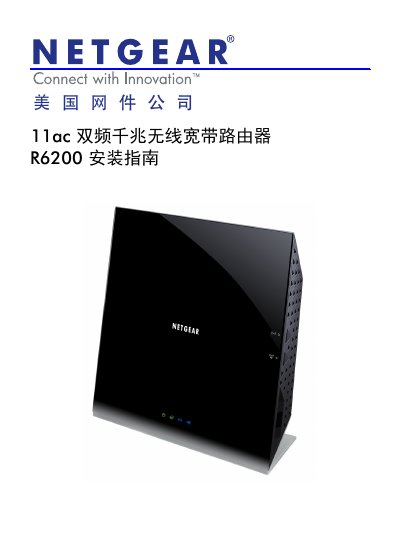
This document provides step-by-step instructions for installing and configuring the NETGEAR R6200 dual-band gigabit wireless broadband router. It covers unpacking the device, connecting it to a network via an ADSL/Cable modem or directly to a broadband line, and accessing the management interface. This manual is written in Chinese.
The default username is admin and the default password is password (all lowercase).
Check the Internet port status in the Advanced menu; a valid IP address and DNS server indicate success.
The router supports PPPoE, Fixed IP, and Dynamic IP connection methods.