
This guide provides instructions for initial setup, connecting devices, and using the NETGEAR Mobile app for the Nighthawk M1 4GX Mobile Router.
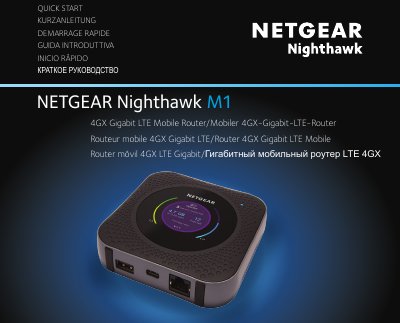
This document serves as a Quick Start Guide for the NETGEAR Nighthawk M1 4GX Gigabit LTE Mobile Router. It outlines the steps required to unbox the device, insert the battery and SIM card, and power on the router. The guide also explains how to connect to the WiFi network and download the NETGEAR Mobile app for configuration.
To turn on or wake the router, press and hold the Power button for three seconds. To turn it off, press and hold the Power button for five seconds.
You must first select the Charge Only option in Settings > Router Setup > Use USB port for to enable media and Ethernet support.
A slow amber blink indicates that the Nighthawk M1 router is not ready.