
This guide covers the setup of the NETGEAR Nighthawk M1 4G LTE Mobile Router, including connecting wired devices via the mini Ethernet switch and…
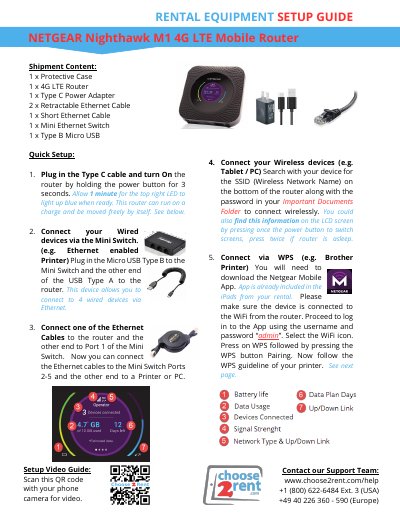
This document is a setup guide for the NETGEAR Nighthawk M1 4G LTE Mobile Router, intended for rental equipment. It details the contents of the shipment, including the router, power adapter, and mini Ethernet switch. The guide provides step-by-step instructions for powering on the device, connecting wired devices via the mini switch, and connecting wireless devices.
The shipment includes 1 x Protective Case, 1 x 4G LTE Router, 1 x Type C Power Adapter, 2 x Retractable Ethernet Cable, 1 x Short Ethernet Cable, 1 x Mini Ethernet Switch, and 1 x Type B Micro USB.
Plug in the Type C cable and turn on the router by holding the power button for 3 seconds. Allow 1 minute for the top right LED to light up blue when ready.
Connect your wired devices via the Mini Switch by plugging the Micro USB Type B to the Mini Switch and the other end of the USB Type A to the router.
Make sure you are holding the Power button for at least 3 seconds. Try plugging in the unit to power and let it charge.