
NETGEAR JNR3210 N300 Series Router User Manual

This manual provides step-by-step instructions for installing, connecting, and configuring the NETGEAR JNR3210 N300 Series Router.
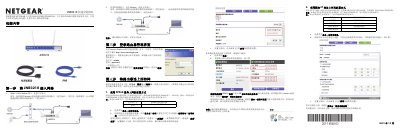

NETGEAR JNR3210 N300 Series Router User Manual - cover page
Brand
NETGEAR
Category
Router
Document type
User Manual
Language
Chinese
Pages
2
File format
PDF
File size
839 KB
Published
22 October, 2026
Updated
22 October, 2026
MD5 checksum
EE118EE26C5DF6F7AFB2F03F516B40E7

About this manual

This document is the user manual for the NETGEAR JNR3210 N300 Series Router. It guides users through a five-step setup process, including unpacking, connecting the device to the network, logging into the management interface, configuring internet connections (PPPoE, Static IP, or Dynamic IP), and setting up wireless security. The guide also covers connecting computers to the wireless network on Windows XP and Windows 7 systems. This manual is written in Chinese.

What's inside

  • Package Contents
  • Connecting to the Network
  • Logging into Management Interface
  • Internet Connection Setup
  • Setting Wireless Password
  • Connecting to Wireless Network
  • LED Indicators
  • Ports and Interfaces
  • Factory Reset
  • ReadyShare Features
Download PDF (839 KB)

More NETGEAR Manuals


View all NETGEAR manuals →