
This document provides installation instructions, technical specifications, troubleshooting steps, and warranty information for the NETGEAR GS308 eight-port…
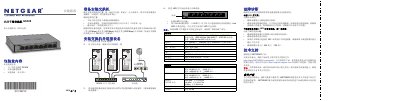
The NETGEAR GS308 is an eight-port gigabit switch designed for easy setup. The guide details how to unpack the device, which includes the switch, a power adapter, and this manual. It instructs users on selecting a proper installation location with adequate ventilation and using appropriate Ethernet cables (Category 3, 5, or 6) to connect devices. This manual is written in Chinese.
| Ports | Eight 10/100/1000 Mbps ports |
|---|---|
| Power Consumption (Max) | 5.9W AC |
| Dimensions | 158 x 102 x 26 mm |
| Weight | 461 g |
| Operating Temperature | 0° to 40° C |
The estimated installation time is 5-10 minutes.
You need Category 3, 5, or 6 (10 Mbps, 100 Mbps, or 1000 Mbps) Ethernet cables with RJ-45 connectors.