
Step-by-step instructions for installing and configuring the NETGEAR FVS336G v2 Dual WAN Gigabit SSL VPN Firewall.
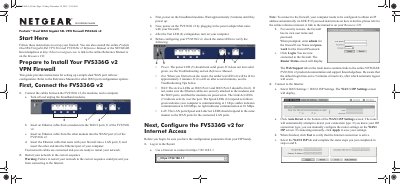
This guide walks you through connecting the FVS336G v2 firewall to modems and a computer, restarting the network in the correct sequence, and configuring WAN settings for Internet access. It includes LED status explanations and troubleshooting tips for common setup issues.
The guide also covers configuring dual WAN ports for rollover mode, including DNS and ping-based failover settings, and provides links to the online reference manual and NETGEAR support resources. This manual is written in Chinese.
First, power on the modems and wait 2 minutes. Then, power on the FVS336G v2. After the Test LED extinguishes, turn on your computer.
Use a browser to connect to https://192.168.1.1.
Enter admin for the firewall User Name and pass-word for the firewall Password.
A DNS or PING query is sent after every test period. The minimum test period is 30 seconds.