
This manual provides installation, configuration, and troubleshooting instructions for the NETGEAR C7100V AC1900 Cable Modem Voice Router.
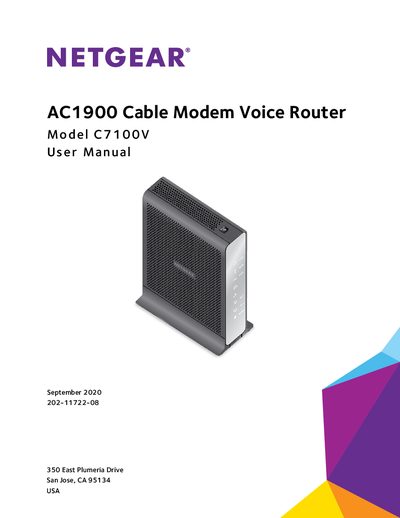
The NETGEAR C7100V AC1900 Cable Modem Voice Router provides an easy and secure way to set up a WiFi home network with fast Internet access through a coaxial cable and two VoIP telephone lines. The device features high-powered amplifiers with antennas to provide WiFi coverage anywhere around your home, inside or out. An optional battery (sold separately) can provide up to five hours of talk time and eight hours of idle time for voice service during a power outage.
The manual covers hardware overview, installation and activation, network connection, internet settings, parental controls, USB device sharing, voice telephone line setup, network management, port forwarding, and troubleshooting using the device's LEDs.
| Internet Access Method | coaxial cable |
|---|---|
| Voice Ports | two VoIP telephone lines |
| WiFi Coverage | anywhere around your home |
| Battery Talk Time | up to five hours |
| Battery Idle Time | eight hours |
Press and hold the Reset button on the rear panel for at least seven seconds.
It indicates that the modem router is receiving power and is functioning normally.
Yes, the optional battery provides up to five hours of talk time and eight hours of idle time for voice service.