
User manual for the NETGEAR Nighthawk AC1900 WiFi Cable Modem Router (Model C7000), covering setup, network configuration, parental controls, and…
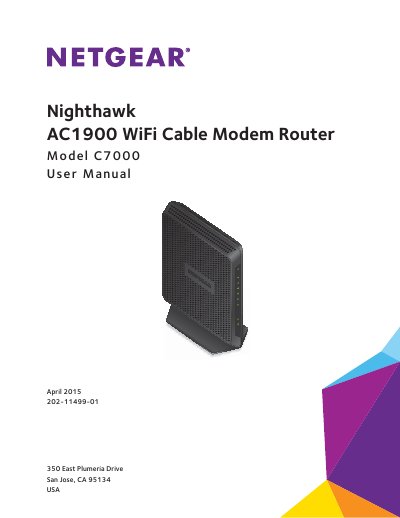
This manual provides instructions for the NETGEAR Nighthawk AC1900 WiFi Cable Modem Router, Model C7000. It covers hardware setup, including unpacking, positioning, and cabling the device for simple networks or bridge mode configurations. The guide details how to connect via wired or WiFi networks and access the management interface.
| Default LAN IP | 192.168.0.1 |
|---|---|
| Default Subnet Mask | 255.255.255.0 |
| Default User Name | admin |
| Default Password | password |
| Default Wireless Security | WPA2-PSK (AES) |
Press and hold the Reset button on the back of the modem router for at least seven seconds.
Press the WiFi On/Off button for two seconds to toggle the radios.