
This is the user manual for the NEC VT580+/VT480+/VT48+ portable projector, covering installation, operation, and maintenance instructions.
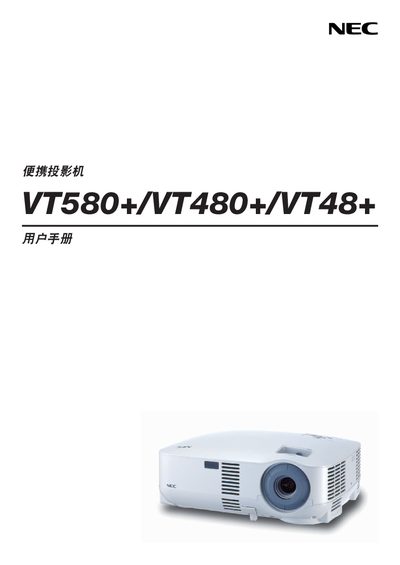
This document serves as the user manual for the NEC VT580+/VT480+/VT48+ portable projector. It provides comprehensive instructions on product description, installation and connections, basic image projection operations, convenient functions, screen menu usage, maintenance, and appendices to help users correctly use and maintain the projector.
The manual includes important safety information regarding fire and electric shock prevention, proper installation environments, and handling of the high-voltage mercury lamp. It details how to set up the screen and projector, connect various external devices such as PCs, Macintosh computers, and DVD players, and perform basic image projection tasks including adjusting image size, correcting trapezoidal distortion, and adjusting volume. This manual is written in Chinese.
The projector requires an AC power supply of 200-240 volts at 50/60 hertz.
You must leave at least 4 inches (10 centimeters) of clearance between the projector and the wall.
The static image may temporarily remain on the LCD liquid crystal panel surface.