
This manual provides safety instructions, installation, operation, and maintenance information for NEC NP600+/NP500+/NP500C/NP400+/NP400C/NP500W+ portable…
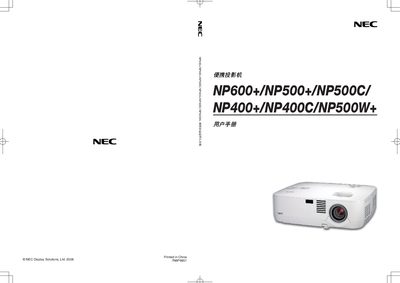
The NEC portable projector user manual covers product description, safety precautions, installation, wiring, and connection methods. It explains how to set up the projector, select signal sources, adjust image size, focus, keystone correction, and use optional functions such as high‑altitude mode and lamp‑saving settings.
Additional sections detail remote‑control usage, lamp replacement procedures, maintenance tips, technical specifications, and troubleshooting. Warranty and TravelCare service information are also included. This manual is written in Chinese.
| LCD panel size | 0.63 inch |
|---|---|
| Resolution | 1024 × 768 px (NP600/NP500/NP500C) / 1280 × 800 px (NP500W+) |
| Lamp wattage | 230 W (NP600+) / 210 W (others) |
| Brightness | 3500 lumens (NP600+) |
| Contrast ratio | 500:1 |
| Projection distance | 0.7 – 11.3 m |
| Input connectors | 1 × RGB/D‑Sub 15, 1 × RGB/DVI‑I 29, 1 × S‑Video, 1 × RCA video, 1 × RCA audio, 2 × mic audio |
| Built‑in speaker | 7 W mono |
Unplug the power cord from the outlet to turn off the main power.
Replace the lamp when the message “灯泡已达到使用寿命极限,请更换灯泡。” appears on the screen.
Set the fan mode to “High Altitude” when operating above about 1600 m elevation.
Leave at least 10 cm of space between the projector and the wall.