
This manual describes the operation of the N8151-54 Built-In AIT.
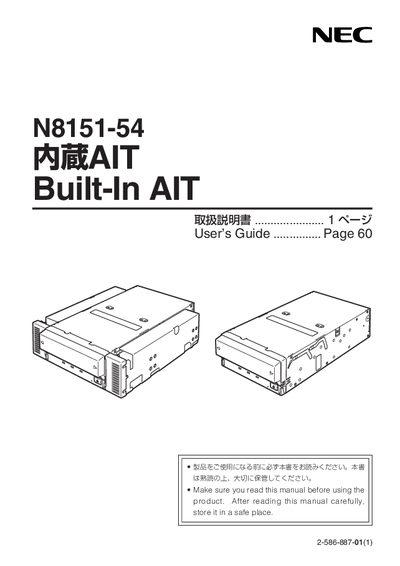
The NEC N8151-54 Built-In AIT User's Guide describes installation, setup, and operation of the built-in Advanced Intelligent Tape (AIT) drive. It covers cartridge handling, drive operation, backup procedures, and a troubleshooting checklist.
The specification section lists memory capacity, data transfer rates, initialization and load times for supported AIT cartridges, and bit error rate.
| Memory capacity with AIT-4 Data Cartridge | 80 GB (160 GB in compression mode) |
|---|---|
| Memory capacity with AIT-2 Data Cartridge | 50 GB (100 GB in compression mode) |
| Memory capacity with AIT-1 Turbo Data Cartridge | 40 GB (80 GB in compression mode) |
| Bit error rate | 10^-17 or less |
| Data transfer rate (AIT-1 Turbo, AIT-2, AIT-2 Turbo) | 12 MB/s in non-compressed mode |
| Data transfer rate (AIT-1) | 8 MB/s in non-compressed mode |
| Burst data transfer speed (SCSI) | 160 Mbyte/second (max, synchronous) |
| Initialize time | Less than 5 seconds |
| Load time with AIT-2 Turbo Data Cartridge | Average 25 seconds |
| Unload time with AIT-1 Data Cartridge | Average 20 seconds |
It provides 80 GB, or 160 GB in compression mode when using an AIT-4 Data Cartridge with a tape length of 186 m.
The maximum synchronous SCSI burst data transfer speed is 160 Mbyte/second, though the actual setting depends on the connection environment.
Initialization takes less than 5 seconds.
Check that the correct drive and cartridge combination is used, that the cartridge type is supported, and that the cartridge has not reached the end of its operational life or contains errors.