
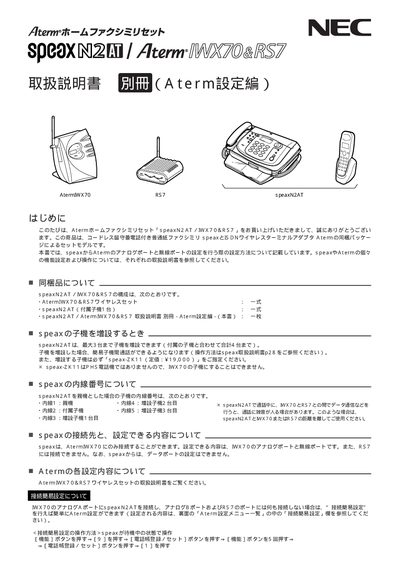
The guide provides step‑by‑step instructions for connecting the speaxN2AT unit to the Aterm IWX70/RS7 wireless set, including simple connection setup, port selection, and basic Aterm configuration. It also details the contents of the package, how to add additional child units, and the internal extension number assignments.
Safety information, warnings, and proper handling procedures are included to ensure reliable operation of the fax/telephone system. The manual also references related NEC documentation for further configuration details. This manual is written in Japanese.
| Maximum child units | 3 |
|---|---|
| Default line type | PB |
You can add up to three additional child units, for a total of four units.
Leave the analog B port and the RS7 port unconnected, and set the analog B port to "none" in the connection device selection menu.
The default line type is set to "PB".