
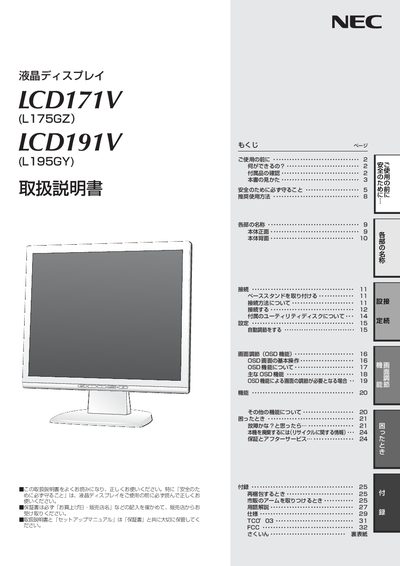
The manual explains safe handling of the NEC LCD171V and LCD191V liquid‑crystal displays, including required safety precautions, recommended usage, and environmental disposal information. It also details the warranty and service procedures.
Installation guidance covers connecting the monitor to Windows or Macintosh computers, adjusting the on‑screen display (OSD) functions such as brightness, contrast, and geometry, and setting up the stand. Maintenance instructions describe cleaning, periodic internal checks, and proper power‑supply usage. This manual is written in Japanese.
| Dot failure ratio | ≤ 0.00029 |
|---|---|
| Refresh rate | 60–75 Hz (non‑interlaced) |
Use the OSD (On‑Screen Display) menu; basic operations and functions are described in the OSD section of the manual.