
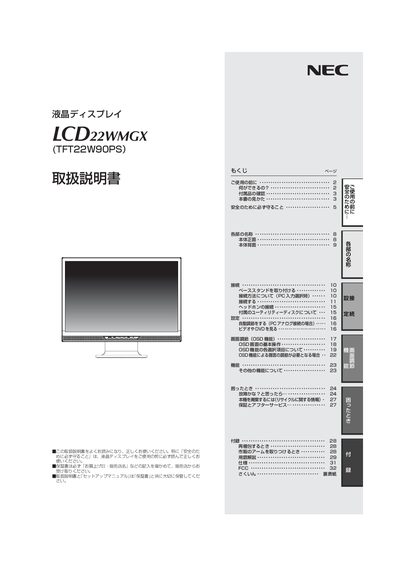
This manual explains how to safely install and use the NEC LCD22WMGX LCD monitor. It includes safety precautions, power‑supply requirements, and instructions for attaching the stand and connecting the unit to a computer.
The guide covers operation of the on‑screen display (OSD), selection of video inputs (digital and analog), SD card functions, troubleshooting tips, and proper disposal and recycling procedures. This manual is written in Japanese.
| Input voltage (standard) | AC100 V |
|---|---|
| Maximum input voltage | 240 V |
| Dot failure rate | < 0.00029 |
Use the appropriate digital or analog video input; the manual provides a connection method section for PC input selection.