
NEC LT380+/LT375+/LT280+ Portable Projector User Manual

This manual provides instructions for the setup, operation, and maintenance of the NEC LT380+/LT375+/LT280+ portable projectors.
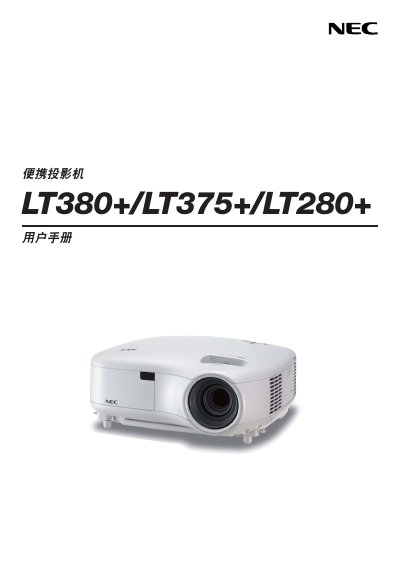

NEC LT380+/LT375+/LT280+ Portable Projector User Manual - cover page
Brand
NEC
Category
Projector
Document type
User Manual
Language
Chinese
Pages
129
File format
PDF
File size
5.5 MB
Updated
16 October, 2026
MD5 checksum
B8D452823205A7B5A9E4A655DCC234D0

About this manual

This user manual covers the NEC LT380+/LT375+/LT280+ portable projectors, including safety precautions, product descriptions, and installation procedures. It details how to connect the projector to various devices such as PCs, Macintosh computers, and external controllers, as well as how to use the remote control and adjust image settings. This manual is written in Chinese.

What's inside

  • Important Information
  • Product Description
  • Installation and Connection
  • Projecting Images
  • Convenient Functions
  • Using the Reader
  • Using the Screen Menu
  • Maintenance
  • Troubleshooting
  • Specifications

Frequently asked questions

What is the minimum space required between the projector and a wall?

You must leave at least 4 inches (10 cm) of space between the projector and the wall to ensure proper ventilation.

How long does the cooling fan continue to run after the projector is turned off?

The cooling fan continues to operate for 30 seconds even after the projector has been shut down.

What are the specified power requirements for this projector?

The projector is designed to operate on 200-240 volts AC at 50/60 hertz.

Download PDF (5.5 MB)

More NEC Manuals


View all NEC manuals →