
Mercusys AC12G AC1200 Dual Band Wireless Router User Manual covering installation, configuration, and troubleshooting for SOHO networks.
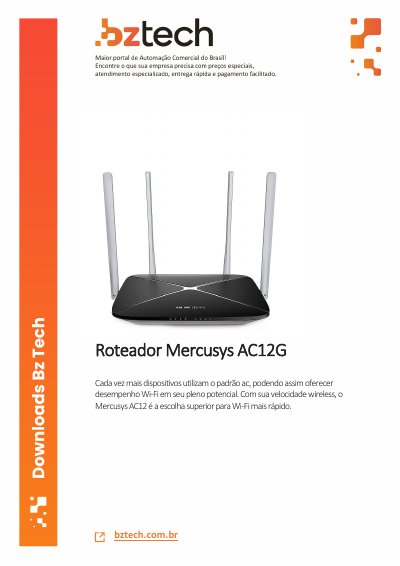
The Mercusys AC12G AC1200 Dual Band Wireless Router is a wireless router that integrates a 4-port switch, firewall, NAT router, and wireless access point. Powered by 2x2 MIMO technology, it is designed for Small Office/Home Office networks and users who need higher networking performance.
This user manual describes how to connect the router and perform basic and advanced configuration, including WAN, LAN, wireless, and network control settings. It also covers system tools such as firmware upgrade, backup and restore, and troubleshooting.
| Model | AC12 |
|---|---|
| Wireless standard | AC1200 Dual Band |
| Switch ports | 4-port |
| MIMO technology | 2x2 MIMO |
| Default IP address | 192.168.1.1 |
| Subnet mask | 255.255.255.0 |
The default IP address is 192.168.1.1.
It integrates a 4-port switch, firewall, NAT router, and wireless AP.
The device should be used at 20 cm from the body.