
Installation guide for the Mercury MW150US USB wireless network card, covering hardware setup, driver installation, and network configuration.
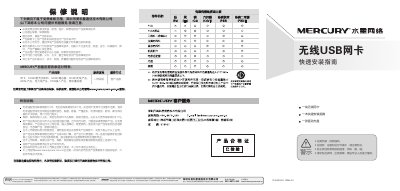
This guide explains how to install the Mercury MW150US USB wireless network card. The hardware installation is simple: insert the card into the appropriate slot without powering off the computer. The software installation uses the supplied driver CD, which launches an automatic installer that completes in about a minute.\n\nAfter the driver is installed, the guide shows how to configure the wireless connection, including selecting a network, entering passwords for encrypted networks, and confirming a successful connection. The document also includes safety warnings and warranty information. This manual is written in Chinese.
| Supported Operating System | Windows XP |
|---|---|
| Installation Method | Plug‑and‑Play |
Insert the card into the correct slot without turning off the computer; no power‑down is required.
When prompted, enter the network password and click “Confirm” to complete the connection.