
This quick installation guide shows how to install the Mercury 7108502095 USB network card on Windows systems.
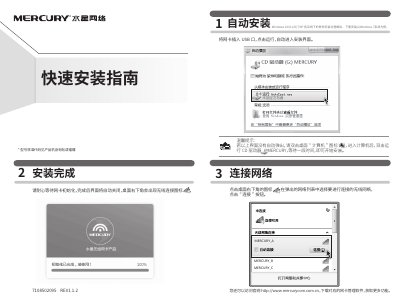
The guide provides step‑by‑step instructions for installing the Mercury 7108502095 network card via the USB port, including automatic installation, driver loading, and connecting to a wireless network. It covers supported operating systems such as Windows 10, 8.1, 8, 7 and XP, and offers troubleshooting tips if the installer does not launch automatically.
The document also includes after‑sales service information, warranty terms, and environmental compliance details, directing users to the official website for driver downloads and support contact numbers. This manual is written in Chinese.
| Model number | 7108502095 |
|---|---|
| Supported operating systems | Windows 10/8.1/8/7/XP |
Double‑click the desktop "Computer" icon, open the CD drive labeled MERCURY, and the installer will start.
Visit the official website at http://www.mercurycom.com.cn to download the software.
The power adapter is covered by a 1‑year warranty.