
The Maxspect Jump Series LED Lighting System User Manual covers safety precautions, installation, and SYNA-G Cloud App operation for the LED fixture.
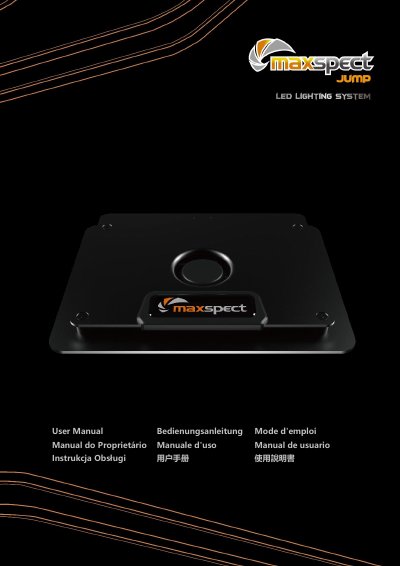
This user manual is for the Maxspect Jump Series LED Lighting System. It provides safety precautions, package contents, and basic operating information for the LED lighting fixture.
The manual explains how to mount the fixture, use optional hanging kits, and connect through the SYNA-G Cloud App. It also describes Router Mode and AP Mode connection methods, status indicator meanings, and the product warranty terms.
| Adjustment angle | apprx. ±3° |
|---|---|
| WiFi signal range | Max 10m/30ft with no obstacle |
Adjust the angle by tweaking the screws, approximately ±3°.
Max 10m/30ft with no obstacle between the equipment.
No, install indoor only.