
Key facts
- Manuals
- 1
- Languages
- EN
- Last added
- 2026-09-28
Featured Maxspect manuals
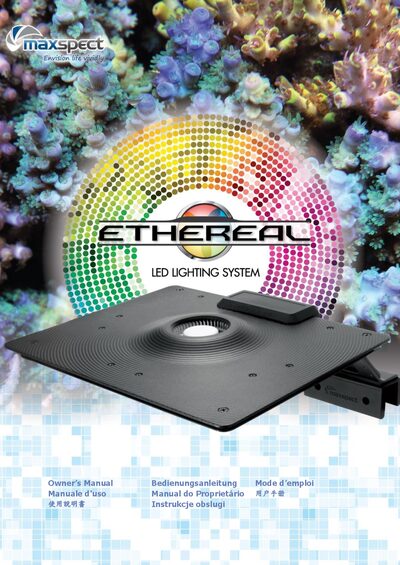
Maxspect Ethereal LED Module User Manual
This manual provides the safety precautions, package contents, and step‑by‑step installation guidance for the Maxspect Ethereal LED Module. It explains how to mount the stand, secure the fixture, and prepare the system for use.
Operating instructions cover basic functions, mode switching, fan temperature control, and factory reset procedures. The document also describes the required Maxspect ICV6 controller for remote operation and how to download the companion app.
Covers: Package Content · Precautions · Installation · Operating Instructions · Mode Switching · Factory Reset
Latest Maxspect manuals
Maxspect Ethereal LED Module User Manual
User Manual 84 pages · 2.6 MB · ENOwner's manual for the Maxspect Ethereal LED lighting system with safety, installation, and operation instructions.
Which document do I need?
User Manual
Day-to-day operation, settings and troubleshooting. Start here if the product is already set up.
Questions answered in Maxspect manuals
How do I switch between Spectrum and Photo‑Period modes?
Press and hold the control dial for 2 seconds (but less than 5 seconds) to change to the other mode.
How can I perform a factory reset on the fixture?
Enter Demo Mode, turn the fixture off, press and hold the control dial before turning it back on, then hold the dial for 5 seconds to reset all settings.