
This manual introduces the package contents, precautions, safety instructions and other information of Maxspect Recurve LED Lighting System
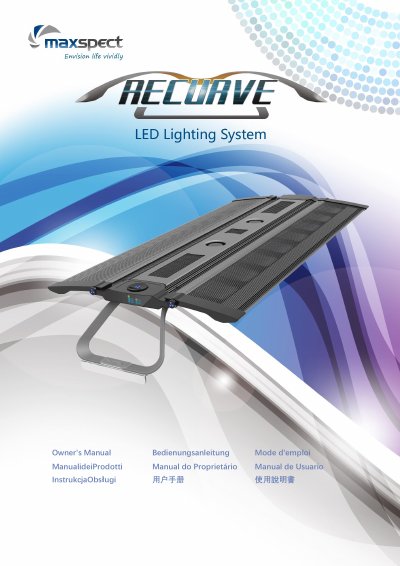
The Maxspect Recurve LED Lighting System owner's manual covers safe use, installation, and operation for the R6-060, R6-090, and R6-120 fixtures. It describes tank-top or pendant mounting, a built-in controller with an OLED monitor and control dial, and switching between Auto and Manual modes.
Automatic mode includes a system clock, photoperiod programming with 24 time points, and four preset settings. The manual also describes the temperature-controlled fan, fail-safe behavior, and optional wireless control through an ICV6 controller sold separately.
| Fan activation temperature | Above 45°C/113°F |
|---|---|
| Fan deactivation temperature | Below 40°C/104°F |
| Fail-safe activation temperature | Above 70°C/158°F |
| Fail-safe recovery temperature | Below 60°C/140°F |
| Number of time points | 24 |
| Number of preset settings | 4 |
| Number of LED channels | 6 |
Press and hold the control dial for 3 seconds.
The fan turns on automatically when the temperature is above 45°C/113°F.
The system has 24 time points for programming photoperiod and brightness.
The system enters fail-safe mode above 70°C/158°F and turns off all channels.