
This document is a user manual for a product, providing information on the features and safety precautions of the Maxspect R420R LED Lighting System.
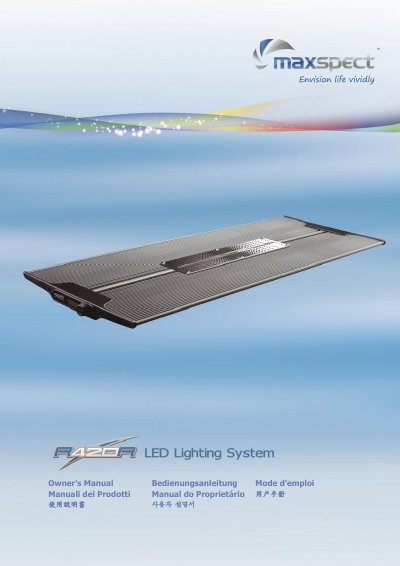
The Maxspect R420R LED Lighting System is designed for aquarium use and includes an LED module available in 60w, 120w, or 160w models. The package contains the LED module, a power supply unit (Meanwell), a stand, mounting hardware including self-adhering Velcro tapes, and hanging kits.
Operation involves switching between Manual, Preset, and Automatic modes using the control dial on the LCD panel. The system automatically restores previous settings when power is restored. Installation allows for various configurations, including mounting on an aquarium rim or pendant suspension.
| Dimensions (160w) | 690mm x 265mm x 25mm |
|---|---|
| Dimensions (120w) | 520mm x 265mm x 25mm |
| Dimensions (60w) | 220mm x 265mm x 25mm |
| Weight (160w) | 2.5 kg (5.5 lb) |
| Power Supply Model (160w) | Meanwell NES-200-36 |
| Output Voltage/Current (160w) | 36V 5.9A |
Press and hold the control dial for 2 seconds to cycle through Manual, Preset, and Automatic modes.
Yes, the LED Module restores the previous saved setting automatically when power is resumed.
Do not expose the apparatus to rain, moisture, dripping or splashing to reduce the risk of fire or electric shock.