
Maxspect Commercial LED Floodlight Lighting System User Manual

User manual for the Maxspect Commercial LED Floodlight Lighting System, covering installation, four operating modes, and warranty information.
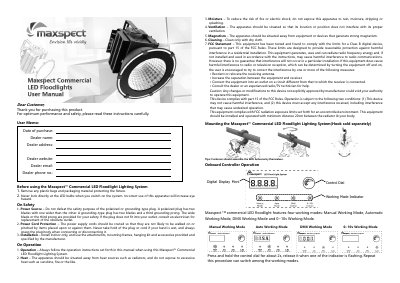

Maxspect Commercial LED Floodlight Lighting System User Manual - cover page
Brand
Maxspect
Category
lighting LED
Document type
User Manual
Language
English
Pages
4
File format
PDF
File size
881 KB
Published
12 November, 2026
Updated
12 November, 2026
MD5 checksum
1F3A37D47CE79AE931BD530C4C8EA3E4

About this manual

This manual provides instructions for the Maxspect Commercial LED Floodlight Lighting System. It covers safety precautions, installation requirements, and the removal of packaging materials before use. Users are advised to avoid direct eye contact with the LEDs when the system is switched on.

What's inside

  • Safety
  • Installation
  • Operation
  • Manual Working Mode
  • Automatic Working Mode
  • DMX Working Mode
  • 0~10v Working Mode
  • Warranty
  • Disclaimer

Frequently asked questions

What are the four working modes of the Maxspect Commercial LED Floodlight?

The four working modes are Manual Working Mode, Automatic Working Mode, DMX Working Mode, and 0~10v Working Mode.

How do I switch between the different working modes?

Press and hold the control dial for about 2 seconds, then release it when one of the indicator lights is flashing.

What is the warranty period for this product?

Maxspect warrants the product against defects in workmanship for a period of 12 months from the date of purchase.

Download PDF (881 KB)

More Maxspect Manuals


View all Maxspect manuals →