
User manual for the Maxspect Jump Series LED Lighting System, covering installation, safety precautions, and SYNA-G Cloud App connectivity.
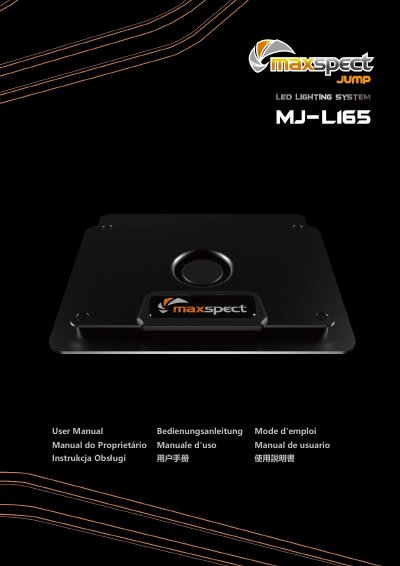
The Maxspect Jump Series LED Lighting System is a cloud-based lighting solution designed for indoor use. The system is managed via the SYNA-G Cloud App, available on iOS and Android, allowing users to control illumination settings and manage multiple fixtures.
The manual provides detailed instructions on physical installation using the provided stand or optional hanging kits, as well as various connectivity modes including Router Mode (with or without internet) and AP Mode for direct mobile device connection.
The system should be cleaned using only a damp or dry cloth.
To get full access to the fixture, you must install the SYNA-G CLOUD APP on a mobile device.
In AP Mode, the maximum distance is 10m/30ft, provided there are no obstacles between the equipment.