
User manual for the Maxon TM D-1000 Series DMR radio, covering installation, controls, operation, menus, accessories, and maintenance.
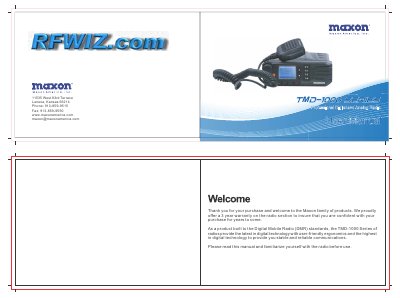
This manual covers the Maxon TM D-1000 Series digital mobile radio (DMR), including safety precautions, product inspection, installation, power cable connection, mounting, and radio overview.
It also describes front and rear panel controls, status indicators, LCD icons, basic operations, menu navigation, contacts, messages, call logs, scanning, zones, settings, GPS accessories, troubleshooting, care, maintenance, and warranty information.
| Warranty | 3 years on the radio section |
|---|---|
| Power supply | 13.8 V DC, not to exceed 16 V DC |
| Power supply | Cathode-grounded, 13.6 V ±15% |
| Antenna gain | Must not exceed 6.5 dBi |
| Antenna installation distance | At least 3.8 m from any body part |
| Zones | Up to 64 zones |
| Channels per zone | Maximum of 16 channels |
| Contact list | Up to 512 entries |
| Frequency range | 450-470 MHz |
The radio supports up to 64 zones, with a maximum of 16 channels in each zone.
Antenna gain must not exceed 6.5 dBi.
The radio is designed for 13.8 V DC and should not exceed 16 V DC.
You can save up to 512 entries in the contact list.