
This is a user guide for maxon BIKEDRIVE AIR electric bicycle
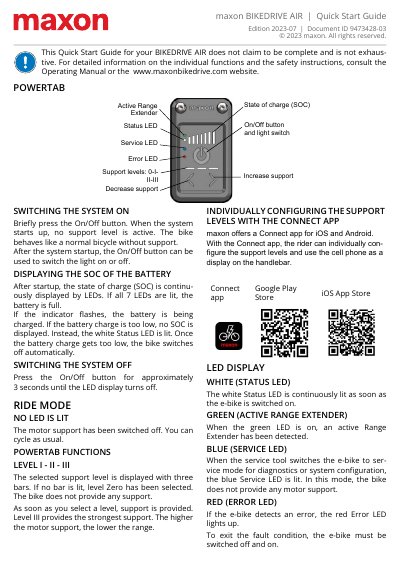
This document serves as a Quick Start Guide for the maxon BIKEDRIVE AIR electric bicycle. It provides essential instructions for switching the system on and off, interpreting the battery State of Charge (SOC) via LEDs, and selecting motor support levels. The guide explains how to use the POWERTAB and the optional Connect app to configure settings.
The On/Off button is used to switch the system on or off.
The white Status LED is continuously lit as soon as the e-bike is switched on.
The bike switches off automatically and no SOC is displayed.
Press the On/Off button for approximately 3 seconds until the LED display turns off.