
This document is a user guide for Cinema 4D Academic Licensing at the Digital Imaging Center.
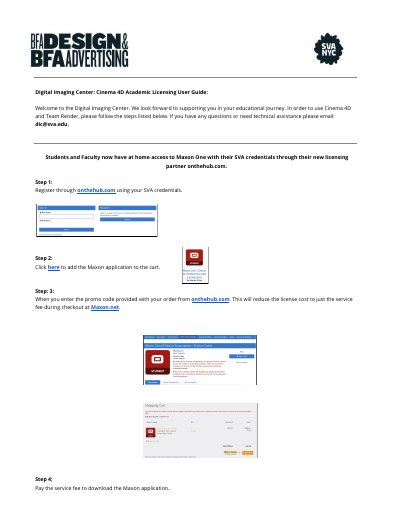
This document serves as a user guide for the Digital Imaging Center regarding the academic licensing of Maxon software, specifically Cinema 4D and Team Render. It outlines the process for students and faculty to register for and access Maxon One through the partner website onthehub.com using their institutional credentials.
The guide provides step-by-step instructions for initial registration, adding the application to a cart, and applying promo codes to reduce costs to a service fee. It also details the procedure for requesting additional eligibility or renewing a 6-month license expiration, including verification methods such as school-issued email addresses or uploaded proof of affiliation.
Yes, you can verify your academic affiliation by submitting proof such as a student ID or report card via upload or fax.
The license is valid for 6 months before an expiration or renewal is required.