
This document provides instructions on how to activate Maxon One
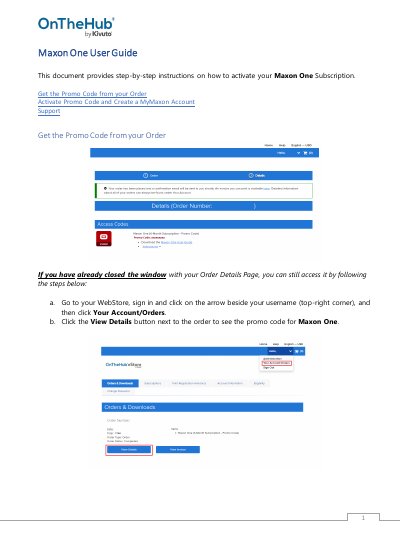
This guide explains how to activate your Maxon One subscription using a promo code. It covers creating a MyMaxon account, entering billing information, and downloading and installing software tools like Cinema 4D, Red Giant, and Redshift.
Support resources are provided, including links to Maxon’s support site and recommended tutorial sites for each tool.
Visit https://www.maxon.net/downloads to download installers. This link is also provided in the confirmation email you’ll receive.
Sign in to your Maxon Account. Once signed in, click Install next to each tool you wish to install. Each tool’s dedicated installer will download and launch. Complete the installation process.