
User manual for the Magellan RoadMate 6615-LM GPS Navigator and Dash Cam combo, covering setup, navigation, DVR recording, and safety.
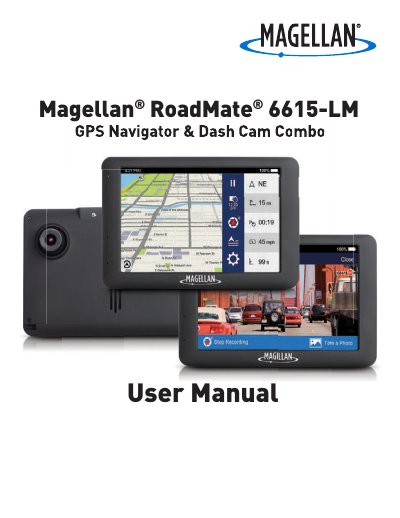
The Magellan RoadMate 6615-LM is a GPS receiver with Digital Video Recorder (DVR) functionality that also serves as a dashboard camera and recording device. This User Manual describes every function needed to operate the RoadMate, including navigation, DVR recording, and system settings.
Setup topics include mounting the device in a vehicle, connecting to Wi-Fi, powering it on and off, inserting a microSD card, registering the device, and updating maps and software. The manual also covers driving modes, route searching, LDWS and FCWS calibration, and using MiVue Manager to play recorded files.
| microSD card capacity | up to 64GB |
|---|---|
| Maximum operating temperature | 140°F (60°C) |
| Battery | Rechargeable, non-removable |
| Wi-Fi 5G Band 1 usage | Indoor use only |
Tap from the Map screen, tap Network, scan for nearby networks, select a network, enter the password if needed, and tap Connect.
The maximum operating temperature is 140°F (60°C).
Press and hold the Power button for a few seconds to turn the device off.
Yes, LDWS warns you when you are drifting out of your lane based on highway or road lines, and is available on select models.