
The Magellan Maestro is a vehicle-navigation aid designed to assist users in arriving at selected destinations. When using the Magellan Maestro, it is important to follow the safety rules to prevent accidents that can result in injury or death to oneself or others.
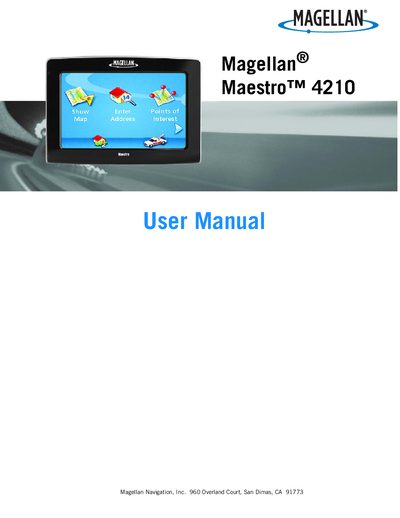
This manual explains how to safely install and use the Magellan Maestro 4210 vehicle‑navigation aid. It covers mounting options, power connections, and the device’s basic functions such as map display, routing, and volume control.
Additional sections describe battery charging procedures, FCC/IC compliance, data backup and restore, and access to AAA Roadside Assistance and other travel features. The document also includes safety warnings and troubleshooting tips.
| Battery charging time | approximately 6 hours |
|---|---|
| Battery replaceability | User may not replace; contact technical support |
| FCC compliance class | Class B digital device |
It takes about six hours when using the cigarette‑lighter adapter or the optional AC adapter.
No, the battery is not user‑replaceable; you must contact Magellan Technical Support for service.
The device complies with FCC Class B digital device requirements.