
Magellan Maestro™ 4350/4370 is a vehicle-navigation aide designed to assist you in arriving at your selected destinations.
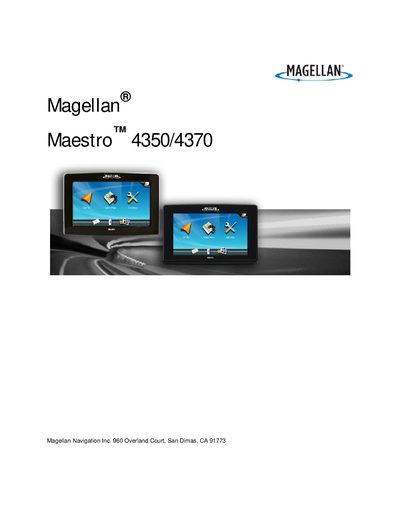
This manual explains how to install the Magellan Maestro 4350/4370, including mounting the swivel cradle to the windshield or dashboard, connecting power, and securing the device safely in a vehicle. Safety warnings cover proper mounting, battery handling, and compliance with FCC/IC regulations.
It also details how to use the device’s navigation features such as map manipulation, address entry, traffic alerts, audio/video playback, and phone integration. Instructions for adjusting volume, brightness, voice guidance, and creating routes are included, along with battery‑care guidelines and troubleshooting tips.
| Maximum operating temperature | 140°F (60°C) |
|---|
The device can operate up to 140°F (60°C).
No, the battery should not be removed or replaced by the user; contact Magellan Technical Support for battery issues.