
Key facts
- Brand
- LaCie
- Model
- 2big Dock
- Category
- Storage devices
- Industry
- Computers
- Documents
- 2
- Languages
- ZH
- Last added
- 2026-10-15
Start here
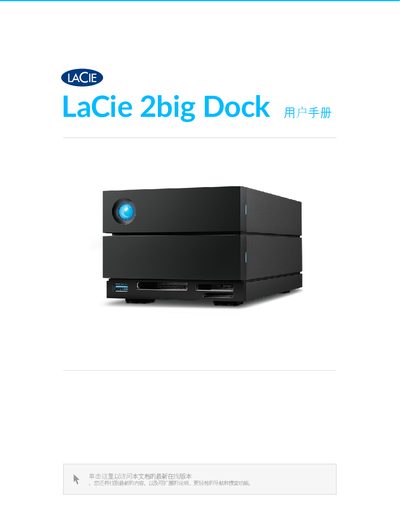
LaCie 2big Dock User Manual
The LaCie 2big Dock is an external storage solution featuring a hot-swappable drive tray and multiple card reader slots. It supports RAID configurations via the included Toolkit software and includes ports for USB 3.2 Gen 2 hubs, CFast 2.0, UHS-II SDXC, and CFexpress B cards. This manual is written in Chinese.
Read onlineLaCie 2big Dock specifications
| Minimum Operating System (Windows) | Windows 10 and higher |
|---|---|
| Thunderbolt 3 Support | Yes |
| Maximum Device Name Length | 19 characters |
Source: LaCie RAID Manager User Manual for LaCie 2big Dock Thunderbolt 3
All LaCie 2big Dock documents by type
Day-to-day operation, settings and troubleshooting. Start here if the product is already set up.
Questions answered in these manuals
Can I use the LaCie 2big Dock with Time Machine?
Yes, but you must reformat it to Mac format first. Reformatting will delete all data previously stored on the drive.
What is the power output of the USB hub port on the device?
The USB 3.2 Gen 2 hub provides a charging output of 7.5W.
How long can a device name be?
A device name can be up to 19 characters long.
From: LaCie RAID Manager User Manual for LaCie 2big Dock Thunderbolt 3