
This manual provides instructions for setting up, operating, and maintaining the Kodak EasyShare CD33 digital camera.
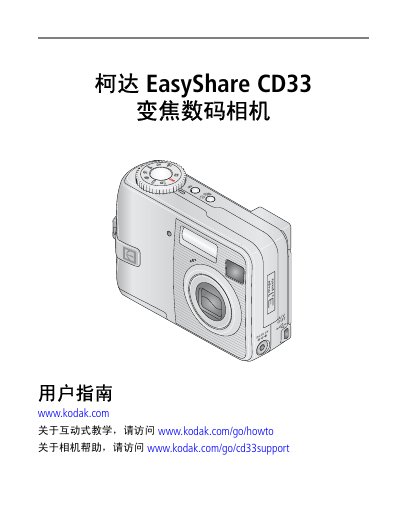
The Kodak EasyShare CD33 is a compact digital camera featuring 3x optical zoom and a 1.5-inch LCD screen. This user guide covers essential setup procedures such as attaching the wrist strap, installing batteries (CRV3 or AA), and configuring date/time settings via the menu system.
The document details how to capture still photos and video clips using various modes including SCN (Scenes) for specific lighting conditions like beach or night portrait. It also explains how to transfer images to a computer via USB cable, print directly using PictBridge printers, and manage storage on SD/MMC cards. This manual is written in Chinese.
| CCD Sensor Size | 1/2.5 inch CCD, 4:3 aspect ratio |
|---|---|
| Max Image Resolution (Best) | 2048 x 1536 pixels |
| LCD Screen Size | 1.5 inch (38 mm) |
| Optical Zoom | 3x optical zoom |
| Lens Focal Length Equivalent | 34 – 102 mm (35mm equivalent) |
| Internal Memory | 16 MB |
Press the Menu button, highlight 'Date/Time', press OK to change settings, then press OK again to accept.
The best output image size is 2048 x 1536 pixels (approx. 3.1 megapixels).