
User guide for the KIP KIPFold 1800 folding machine covering safety, installation, specifications, operation, and troubleshooting.
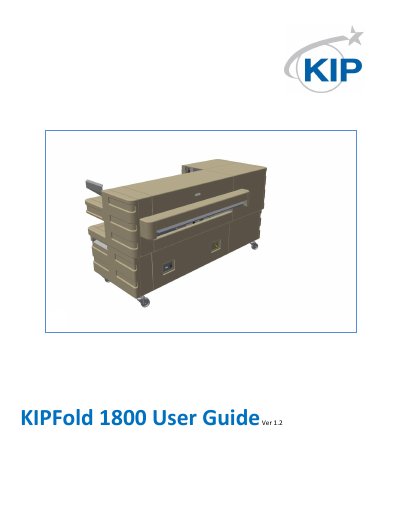
The KIP KIPFold 1800 is a document folding machine designed for high-volume printing environments. The user guide provides safety instructions, installation requirements, dimensional drawings, and detailed technical specifications for both metric and imperial units.
Key specifications include a maximum document width of 914 mm, folding speed of 2.5–10 m/min, 255 editable fold programs, and a weight of 332 kg. The guide also covers power connection, troubleshooting error codes, and procedures for clearing paper jams and start-up errors.
| Cross Fold Tray Performance | 80 mixed documents at 80gr/sqm; 20 A0 at 80/sqm |
|---|---|
| Minimum Document Length | 210 mm as unfolded cover sheet; 420 mm to be folded |
| Maximum Document Length (Fan Fold Only) | 28 layers with 80 gsm paper; approx. 28 x panel width |
| Maximum Document Length (Fan and Cross Fold) | 12 layers with 80gsm paper; 17 layers with stacking limited to 3 packages |
| Paper Weight Range | 60–110 g/m² (best quality 75–80 g/m²) |
| Panel Width (Fan Folder) | 170–230 mm |
| Panel Width (Cross Fold) | 250–320 mm |
| Folding Speed | 2.5–10 m/min |
| Fold Programs | 255 editable |
| Operating Temperature | 15°C–35°C |
| Power Supply | 100–120V 50/60Hz or 200–240V 50/60Hz |
| Main Fuse | 10 A |
| Weight | 332 kg |
The machine supports 255 editable fold programs.
Close the covers and press the purge button; after removing jammed paper, restart the folder via the exit button.
The folder accepts 100–120V 50/60Hz or 200–240V 50/60Hz with a 10 A main fuse.