
This is a user manual for KIP 720, which contains functional and operational explanations for KIP 720
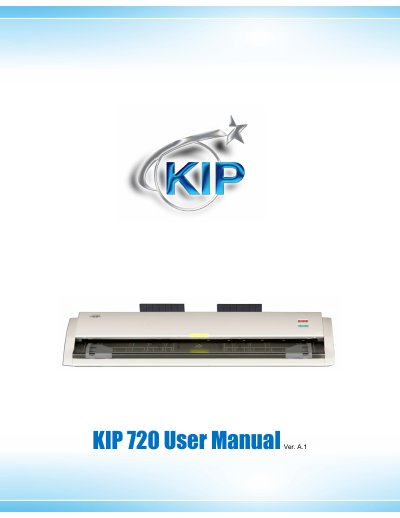
The KIP 720 is a wide format image scanner designed for various sized originals, ranging from 210mm to 914.4mm in width and up to 6,000mm in length. It features a high-speed scanning capability of 65mm/s in monochrome and 22mm/s in color at 600 dpi resolution.
| Scanning Width | 210 - 914.4 mm (8.5 - 36") |
|---|---|
| Scanning Length | 210mm - 6,000mm |
| Monochrome Scan Speed | 65mm/s |
| Color Scan Speed | 22mm/s |
| Resolution | 600dpi |
| Power Input | 100 - 240VAC, 50/60Hz, 0.5A or higher |
| Operating Temperature | 10 to 32 degrees centigrade |
| Operating Humidity | 15 to 85% RH |
| Weight | About 25kg (55lbs) |
It is not allowed to copy currency, government issued negotiable instruments, foreign currency, unused postal stamps, and government issued revenue stamps.
No, the KIP 720 should be connected with a supported KIP printer or a PC with KIP software installed through a USB cable for any operation.
The maximum scanning length is 6,000mm.