
This document is the user manual for the KIP 7170 Multi-Function Printer, providing functional and operational explanations.
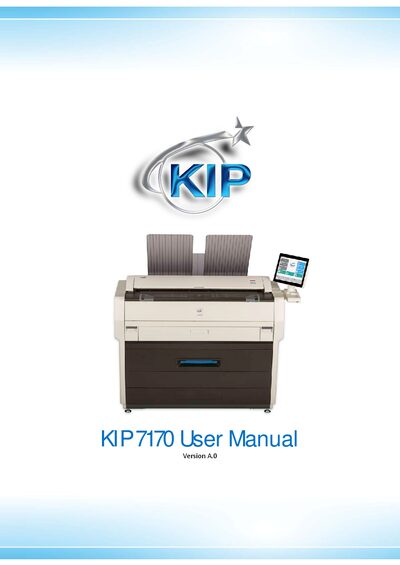
This hardware operation guide for the KIP 7170 Multi-Function Printer includes safety warnings, FCC and CE compliance information, and detailed installation requirements such as power source specifications for the U.S. and Europe. It also outlines prohibited copying items, environmental conditions, and proper handling to avoid damage or injury.
The manual describes the printer’s features, technical specifications (power consumption, dimensions, weight, interfaces, noise levels, ozone emission), and maintenance procedures like cleaning the touch screen, sensors, and guide plates. It serves as a comprehensive reference for safe setup and everyday use of the KIP 7170.
| Maximum Power Consumption (US) | 1,440W |
|---|---|
| Maximum Power Consumption (EU/Asia) | 1,680W |
| Low Power Mode Consumption | ≤8.2W |
| Acoustic Noise (Idling) | 50 dB |
| Acoustic Noise (Printing) | 57 dB |
| Ozone Emission | 0.05 ppm |
| Dimensions (W×D×H) | 1346 mm × 704 mm × 1105 mm |
| Weight | 244 kg |
| Network Interface | 10/100/1000BASE‑T |
| USB Interface | USB 2.0 (5 VDC max) |
| Input Power (US) | 120 V ±10%, 50/60 Hz, 15 A |
In the USA the printer requires 120 V ±10%, 50/60 Hz, 15 A or higher; in Europe it needs 220‑240 V ±6% / ±10%, 50/60 Hz, 10 A or higher.
Wipe the touch screen with a dry cloth and do not use water, alcohol, organic solvent, or glass cleaner.